Workspace
Sign in to create a workspace and manage API keys.
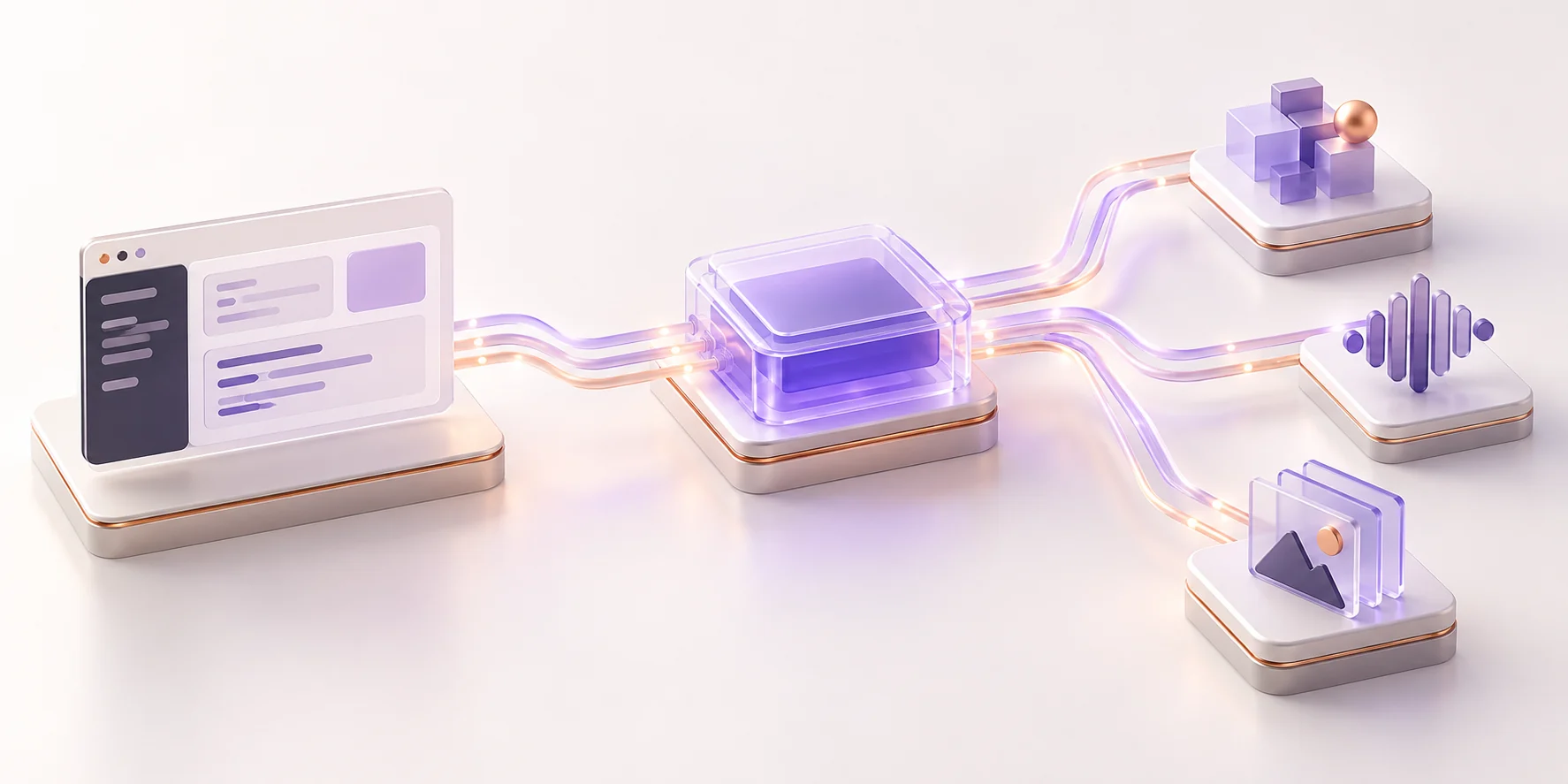
Use a compatible SDK, point it at the ngamia API, and choose an enabled model. Keep your secret key on your server.
# Use the OpenAI SDK with ngamia
from openai import OpenAI

client = OpenAI(
  api_key="ngm_your_api_key",
  base_url="https://api.ngamia.cc/v1"
)

response = client.chat.completions.create(
  model="MODEL_FROM_CATALOG",
  messages=[{"role": "user", "content": "Habari"}]
)Workspace management and model requests use different credentials. Keep the distinction clear in your application.
Sign in to create a workspace and manage API keys.
Use the API key only in trusted server-side code.
Send compatible requests to api.ngamia.cc/v1.
Account and workspace routes use your app session. Model gateway routes use the workspace API key.