






Choose the stages
Use /v1/audio/transcriptions and /v1/audio/speech separately when your app needs control over each step.

Connect to enabled AI models through one API, build Kiswahili voice experiences, and keep your usage and TZS credits together in one workspace.
One ngamia API. A growing model catalog.
Check the live catalog for enabled models and current prices.
Explore enabled models, create Kiswahili voice experiences, and keep usage and TZS credits close as your product grows.
Feature 1 of 3: MODEL CATALOG
Bonga turns a short voice note into a transcript and a helpful reply, with optional generated speech. One synchronous request connects the conversation; your product controls how it looks and feels.
POST /v1/bonga
Voice note
“Naomba unisaidie kuelewa matumizi yangu.”
Example text reply
“Sawa. Naweza kukuelekeza hatua kwa hatua.”
Your app can also play the spoken reply when requested.
01
Your server sends base64 audio as audio_data with its real file format. Keep your Ngamia API key on the server.
02
Bonga returns transcript and text together. Kiswahili is the default; your app can request English when it suits the conversation.
03
Keep include_audio enabled for an audio reply, then play audio_base64. Set it to false for text only.
Use /v1/audio/transcriptions and /v1/audio/speech separately when your app needs control over each step.
POST /v1/music returns generated audio for a prompt and duration from 3 seconds to 10 minutes. Add it to video in your own media workflow.
Completed stages are charged to Ngamia credits and appear in workspace usage, so you can track what each workflow costs.

Prompt example
00:30“Warm instrumental for a calm Swahili shop announcement, with acoustic guitar and soft percussion.”
Generated music audio
Describe the mood, style, and instruments. Ngamia turns a prompt into downloadable music audio in one request, with generation length and cost tied to the model you choose.
POST /v1/musicUsage tracked in Ngamia creditsThe endpoint returns audio. Mixing a track into a finished video happens in your application’s media workflow.

Ngamia brings enabled models behind a familiar API, with a workspace for keys, activity, and credits. Start with the model and capability that fit your product; the live catalog tells you what is available today.
A few places to begin with Ngamia’s API. Check model support in the live catalog and keep people involved where the outcome matters.
 VOICE · KISWAHILI
Prototype transcription, generated speech, and voice responses in Tanzanian Kiswahili. Test with the accents and devices your users rely on.
Explore Kiswahili voice DOCUMENTS · API
Build an invoice or form workflow around a file-capable model, then validate the fields before your product acts on them.
Explore document AI SUPPORT · HUMAN REVIEW
Summarize a conversation or draft a reply for an agent to review. Your team stays in control of what reaches the customer.
Explore customer supportKey access
KEY SCOPE
Workspace
Keep your key on your server
Step 1 of 4
Create an API key for your project and keep it in a server-side environment variable.
Open quickstartRates depend on the enabled model and request. Check the live catalog before you estimate a workload, then follow your balance and transactions in the Ngamia workspace.

Review enabled models and current rates in the live catalog.
Usage is charged against your workspace credits.
Add credits by mobile money and review the transaction in your ledger.
Get the essentials on model access, API keys, Kiswahili voice, and TZS credits.
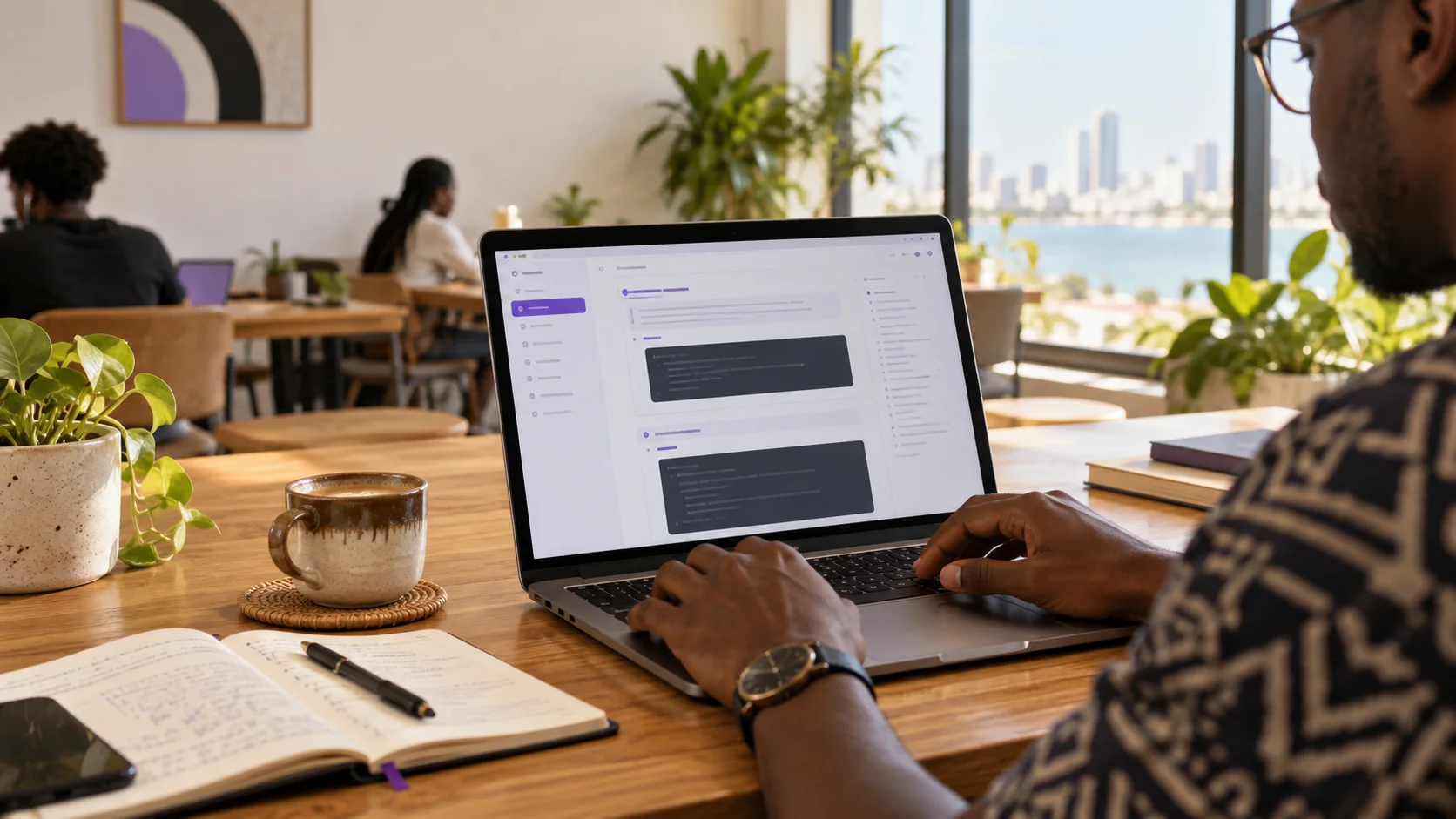
ngamia is an AI gateway that gives developers one account and API surface for enabled models, workspace API keys, usage visibility, and TZS credit billing.
Use the live model catalog to see currently enabled models, their supported capabilities, and active prices. Availability can change over time.
Supported API usage is charged against account credits. You can top up from the ngamia app through mobile-money payment flows and review transactions in your workspace.
ngamia provides transcription, speech, and a combined voice-response endpoint with a Tanzanian Kiswahili starting point. Model support and quality vary, so test with your users and audio conditions.
The chat completion endpoint follows the familiar OpenAI Chat Completions format. Point a supported SDK at https://api.ngamia.cc/v1 and use an enabled model ID.
Keep secret keys in your server environment or an approved secrets manager. Do not include them in browser code or a public mobile app.
Explore the live catalog, create a workspace key, and make your first request through the ngamia API.